> ## Documentation Index
> Fetch the complete documentation index at: https://docs.mx.com/llms.txt
> Use this file to discover all available pages before exploring further.
# Settings
With the settings feature, data provider admins can configure the following settings:
* Team members
* Theme
* Admin authentication
## Team Members
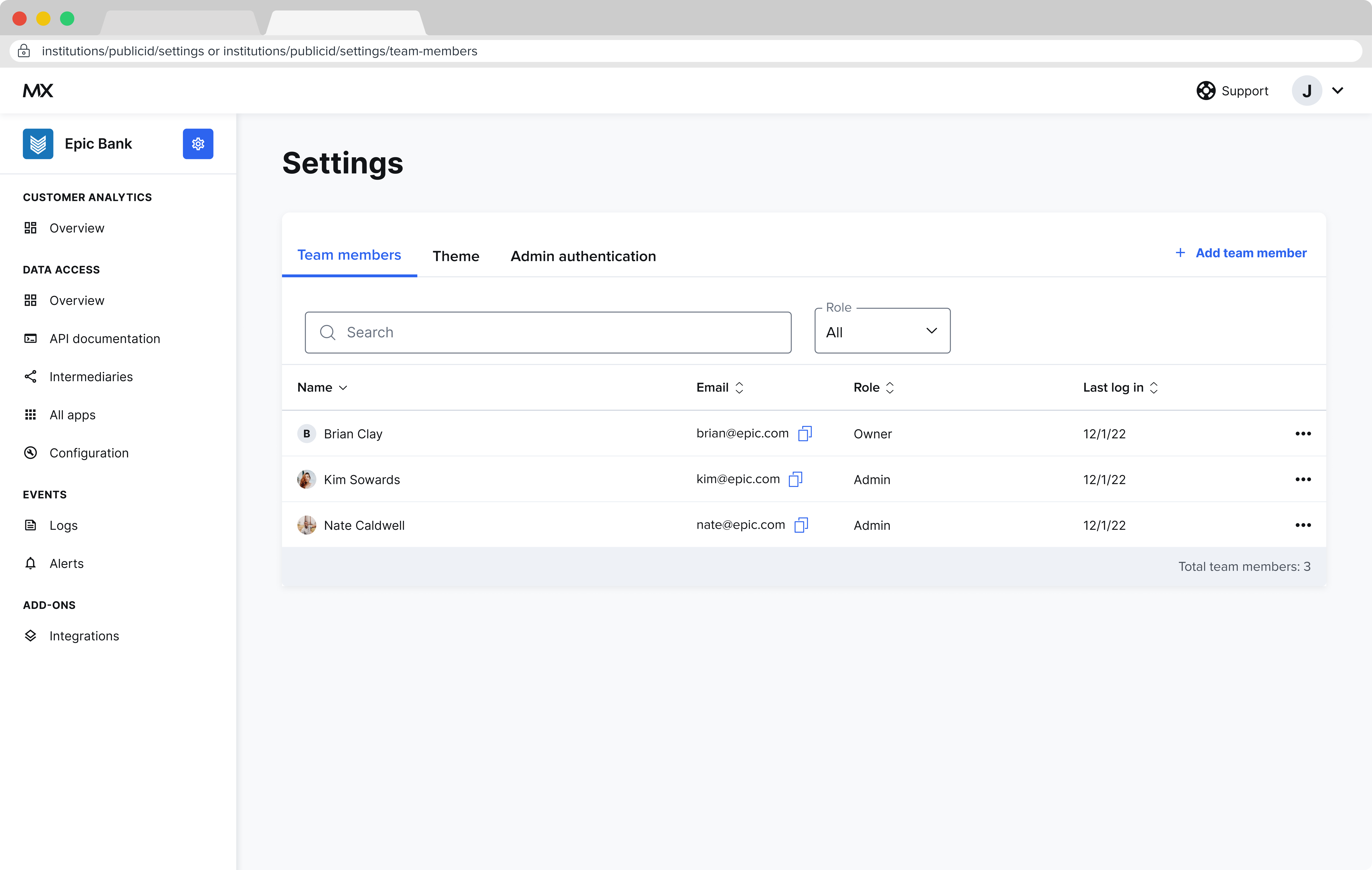 This setting controls who has access to your institution's Data Provider Portal and what level of access (admin vs. user). Admins have full edit access to all features of the Data Provider Portal, whereas users have read-only access.
Admins can create, edit, and remove existing users. When a new institution user is added, they will receive an automated email inviting them to log in.
## Theme
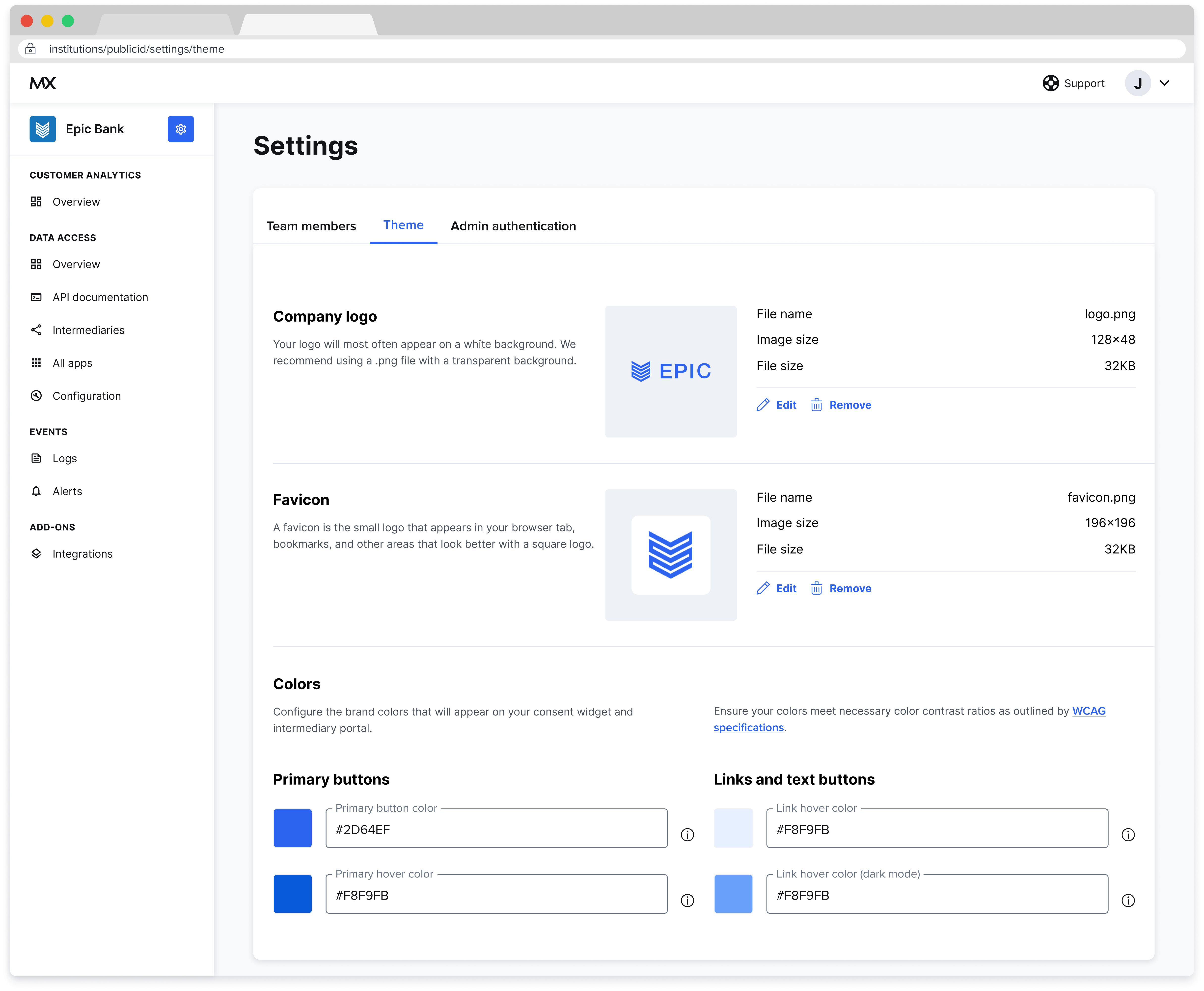
This is where you can provide your institution's logo, favicon, and brand colors.
These settings are applied primarily in the end-user authorization widget, but are also applied in the data provider and data recipient portals.
This setting controls who has access to your institution's Data Provider Portal and what level of access (admin vs. user). Admins have full edit access to all features of the Data Provider Portal, whereas users have read-only access.
Admins can create, edit, and remove existing users. When a new institution user is added, they will receive an automated email inviting them to log in.
## Theme
This is where you can provide your institution's logo, favicon, and brand colors.
These settings are applied primarily in the end-user authorization widget, but are also applied in the data provider and data recipient portals.
 ## Admin Authentication
If your authentication type is OIDC, as shown here, you can add and edit your single-sign on settings including Client ID, Client secret, and more.
## Admin Authentication
If your authentication type is OIDC, as shown here, you can add and edit your single-sign on settings including Client ID, Client secret, and more.
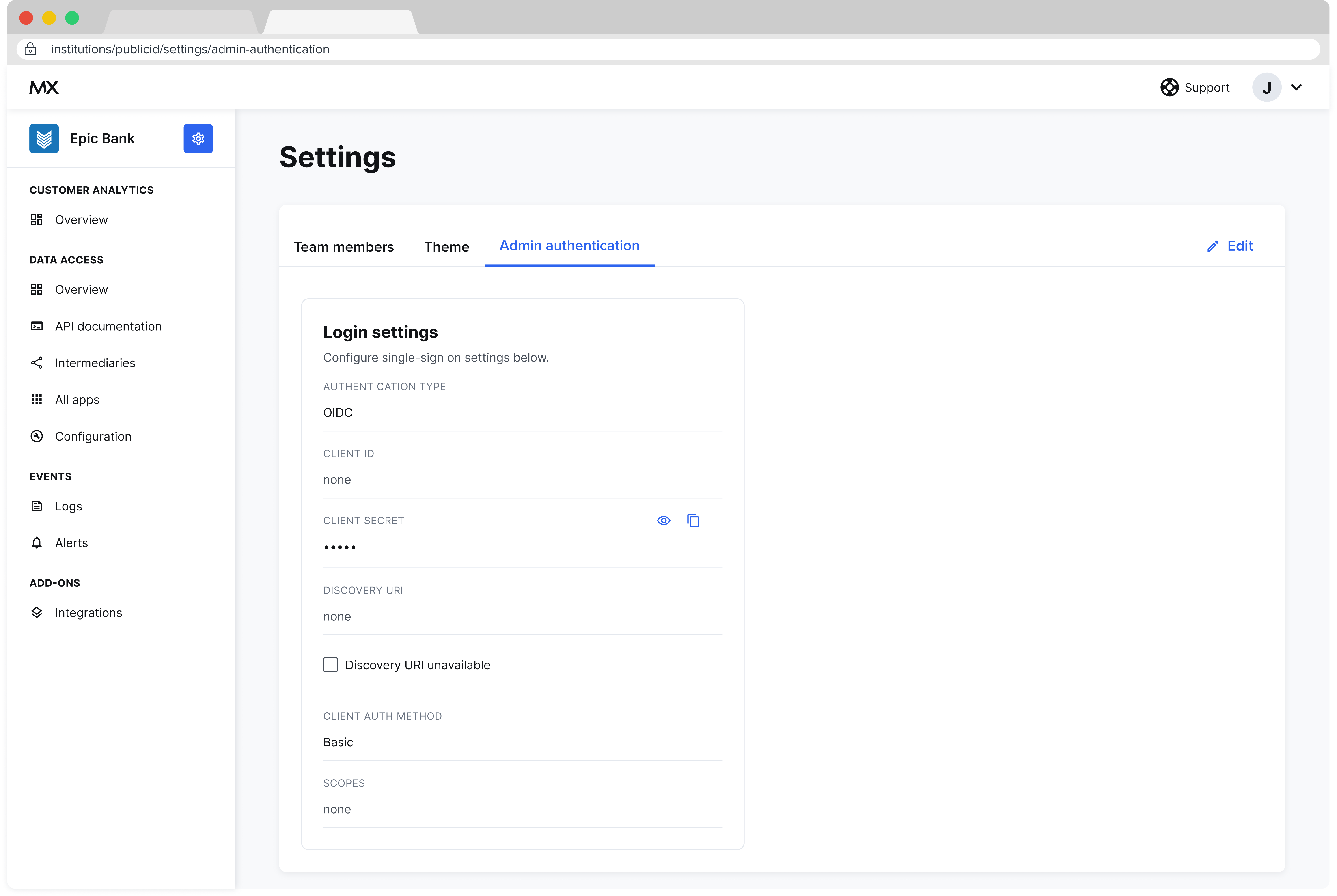 If your authentication type is Google Identity Platform, use the dropdown to select it from the menu and select Save.