

Subscribe to Status Updates
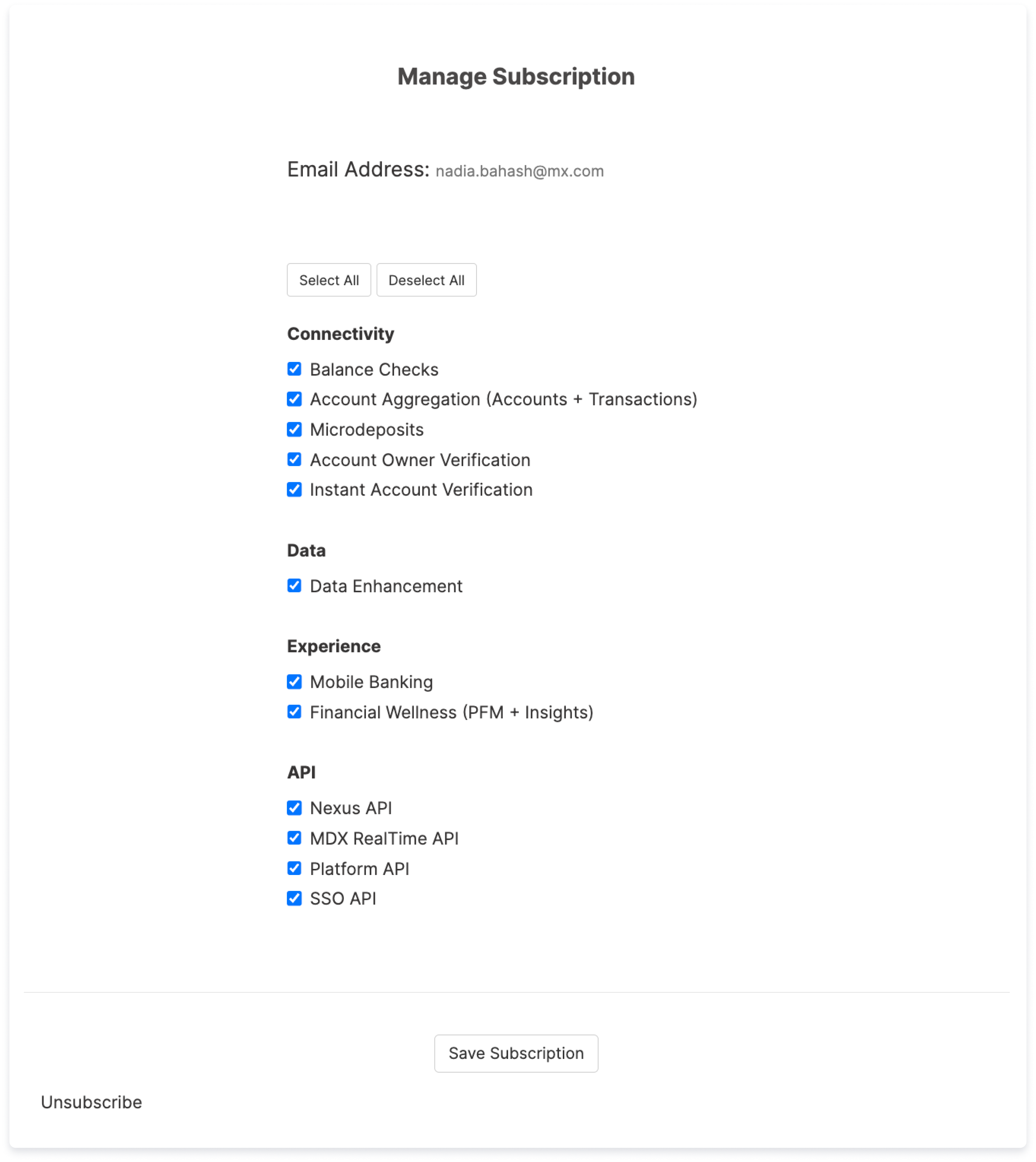
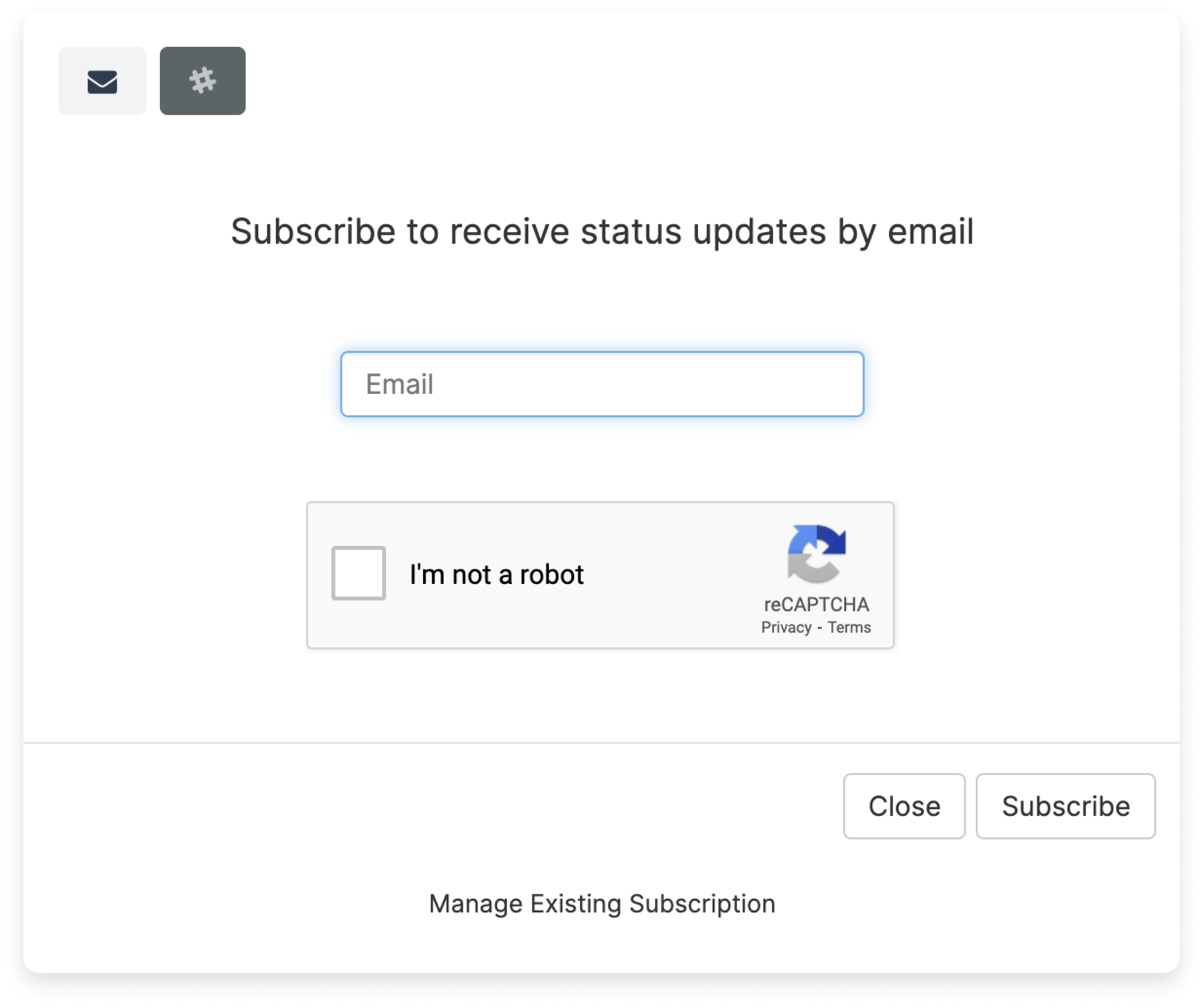
You can subscribe for direct notification by selecting the Subscribe button in the top, right corner of the page.
The email confirmation is sent by MX Platform Event (noreply@mx.com). Add this email to your contacts list to ensure future emails from this email address are delivered. If you do not receive the email, check your spam or junk folders.
Navigating the Status Page
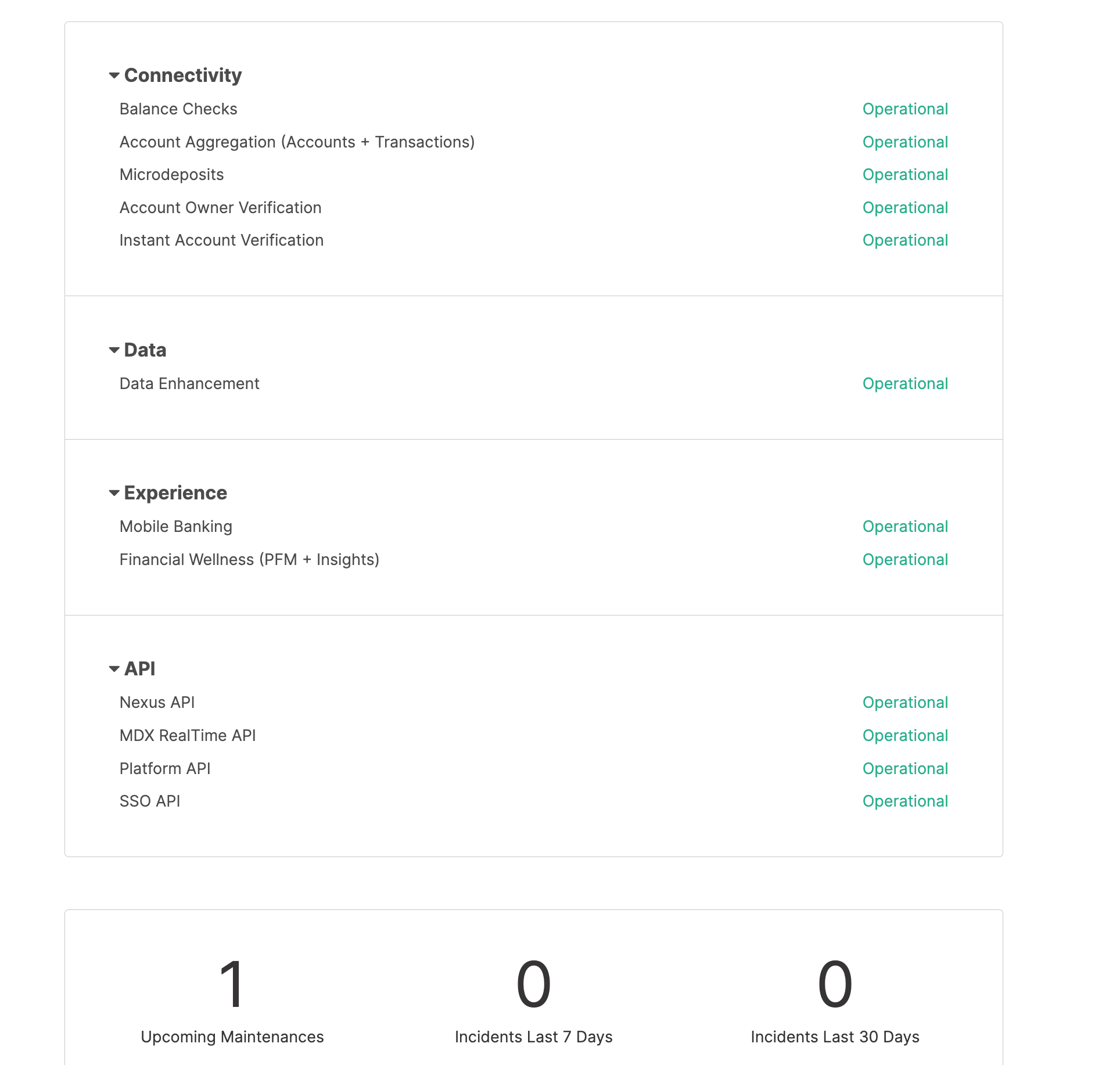
The status page displays each product or API and its status. These can be toggled on and off by selecting the black arrow next to the each product grouping. This page also displays information including:- Number of upcoming maintenances
- Number of incidents in the last 7 days
- Number of incidents in the last 30 days
Active Incidents
When an incident is active, the All Systems Operational status at the top of the page is updated to reflect the current status of an incident. All details and updates about the incident are displayed at the top of the page. This section may include information on:- The status of the incident
- What part or component of MX’s products are affected (i.e., API)
- What particular product or service is impacted (i.e., Platform API or Nexus API)
- Notes and updates about the incident from our support teams.
History (last 7 Days)
The status page also displays History within the last seven days. When an incident is resolved it is no longer displayed at the top of the page. Instead, it is displayed in the History section further down for 7 days after the incident. To review History beyond 7 days, select the History link on the bottom left to display all past incidents.