

Team Members
The team members feature allows you to view and add coworkers. This section shows you all active and invited team members, including their name, email address, role, and last login.Add a Team Member
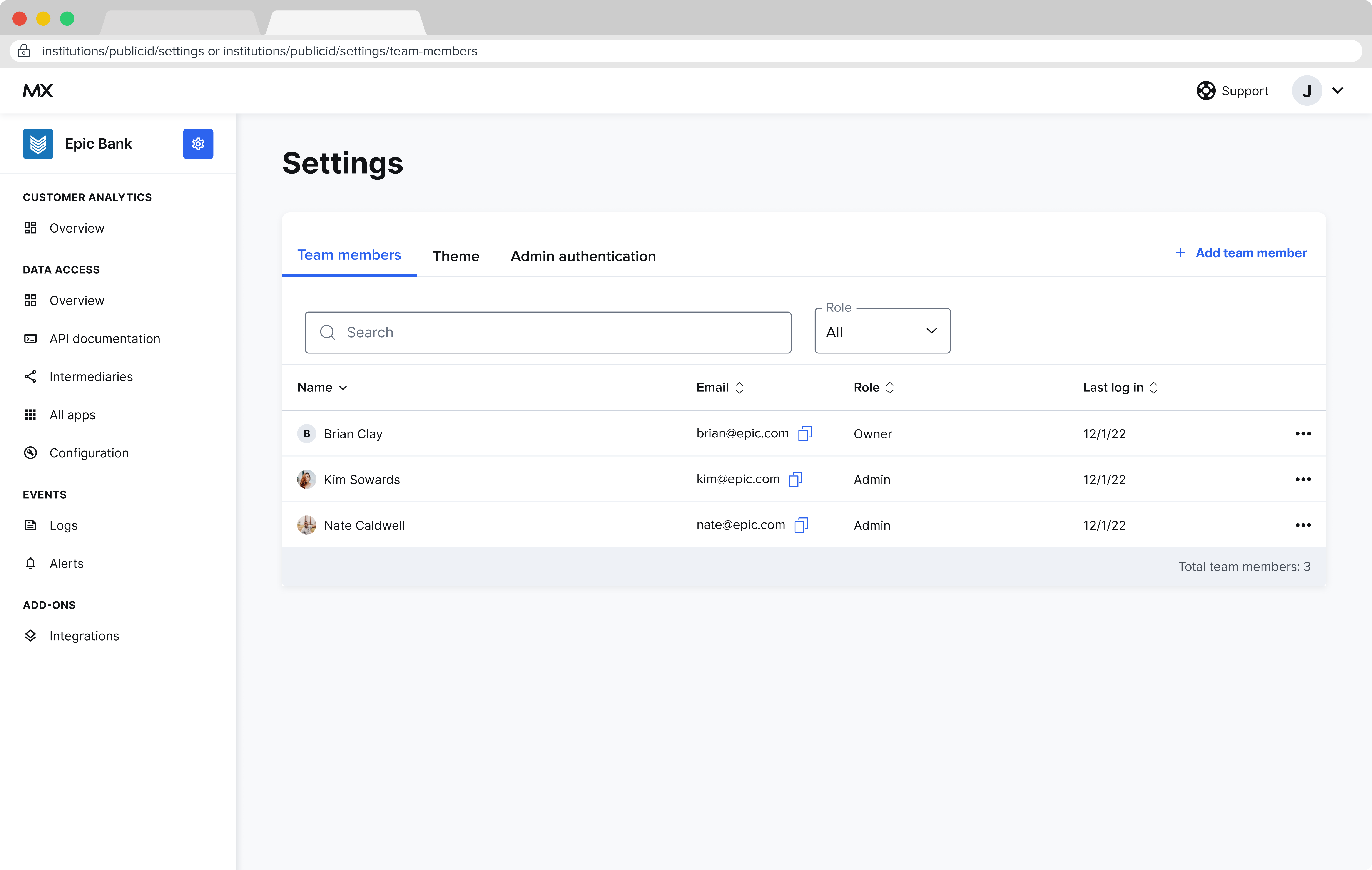
- From the Settings section, select the Team Members link.
- From the Team members page, select Add.
- Enter the team member’s name.
-
Select a role for the team member.
- The intermediary role has view-only access to all pages.
- The intermediary admin role has full access to all pages.
- Enter the team member’s company email.
- Select Add.