mxbank. Use it to test different scenarios related to connecting end user’s accounts while using safe and secure credentials. Connecting to this institution generates test data for accounts and transactions.
Depending on the credentials you use which are outlined below, the connection can either complete successfully or prompt a multifactor authentication challenge. You can test a failed connection to learn more about invalid responses. Each test credential describes the error that you’ll experience by the MX system and what connection status is returned as a result. Use the update member endpoint to set the appropriate password for your particular test case.
There are no aggregation limits on the mxbank institution, meaning that you can aggregate without worrying about the throttle window applied to other institutions.
mxbank is only available in our integration environment.
Unsure if you should use MX Bank? See When To Use MX Bank vs. MXCU for guidance.
MX Bank Testing Scenarios
The following table provides a set of username and password combinations that simulate various connection statuses. If you’re integrating with our Connect Widget, input these credentials after searching for and selectingMX Bank. For each error-related status, we also describe the message that will appear in the widget.
For API-only integrations, use these credentials when creating a member. We provide details on the error messages returned for each connection status.
Testing OAuth with MX Bank
We recommend you use the MXCU (OAuth) institution to test OAuth flows, since it offers a full OAuth experience.
mx_bank_oauth).
In the integration environment, a
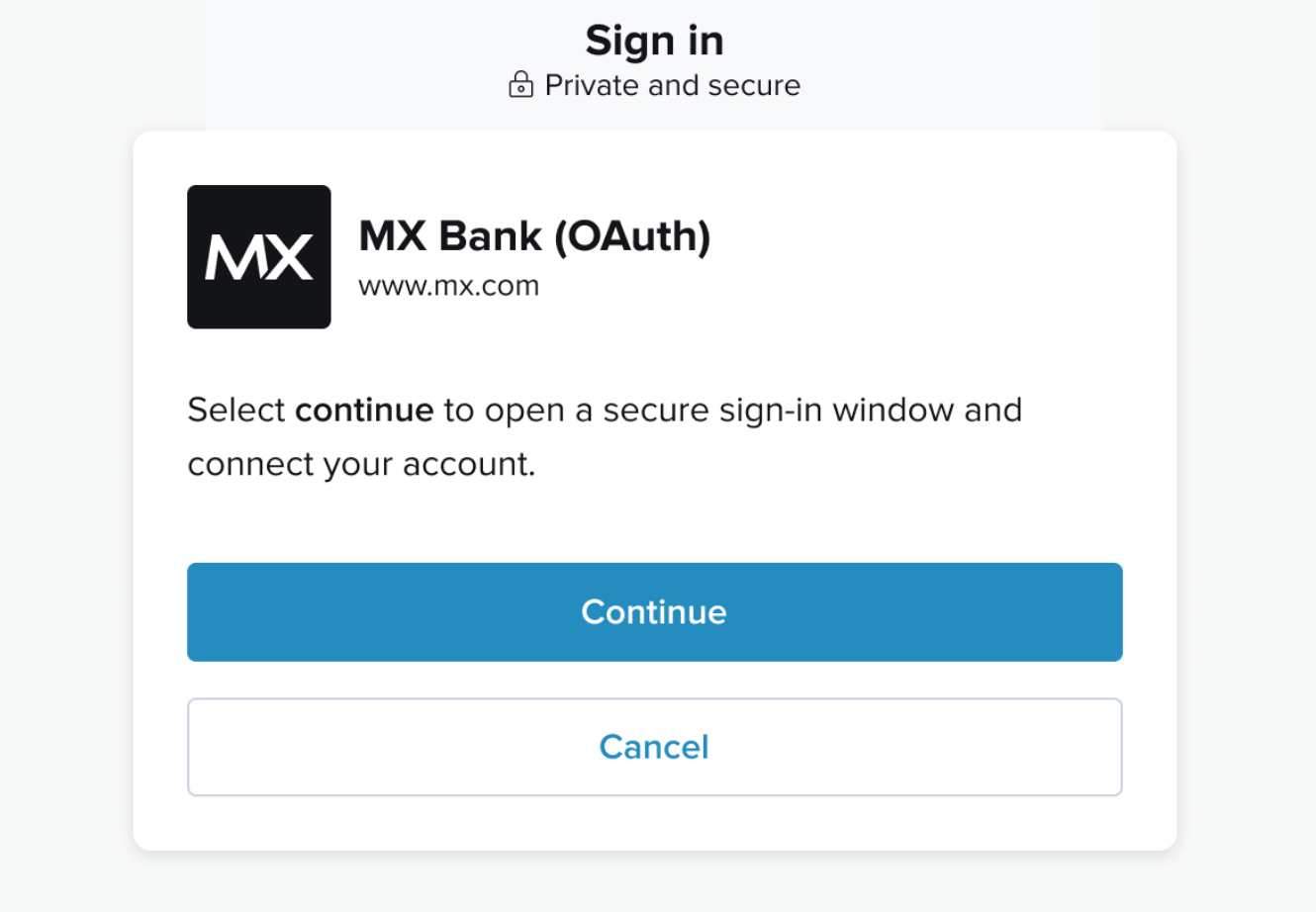
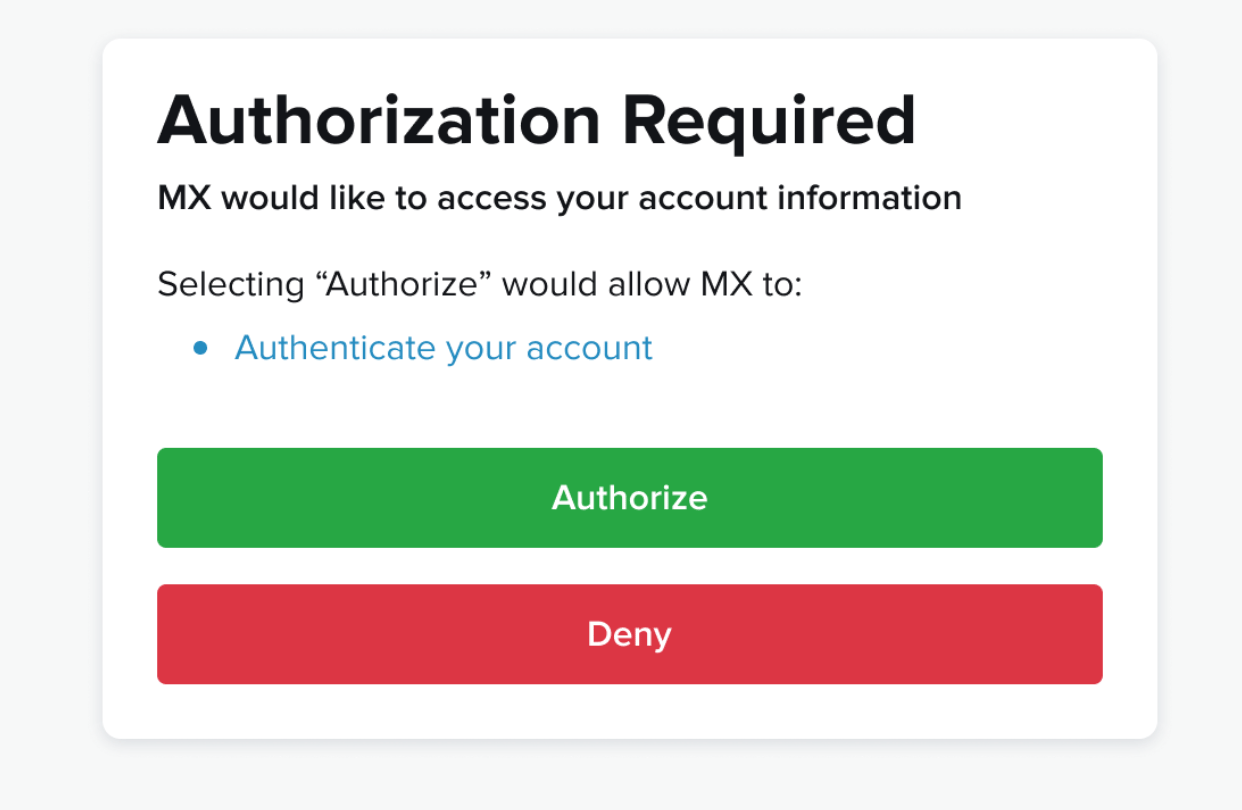
user can only have one OAuth member .current_institution_code, you should see the following screen before going to the OAuth provider: