

Channel Partners
Authentication
Authenticate to the Channel Partner Portal using API tokens.
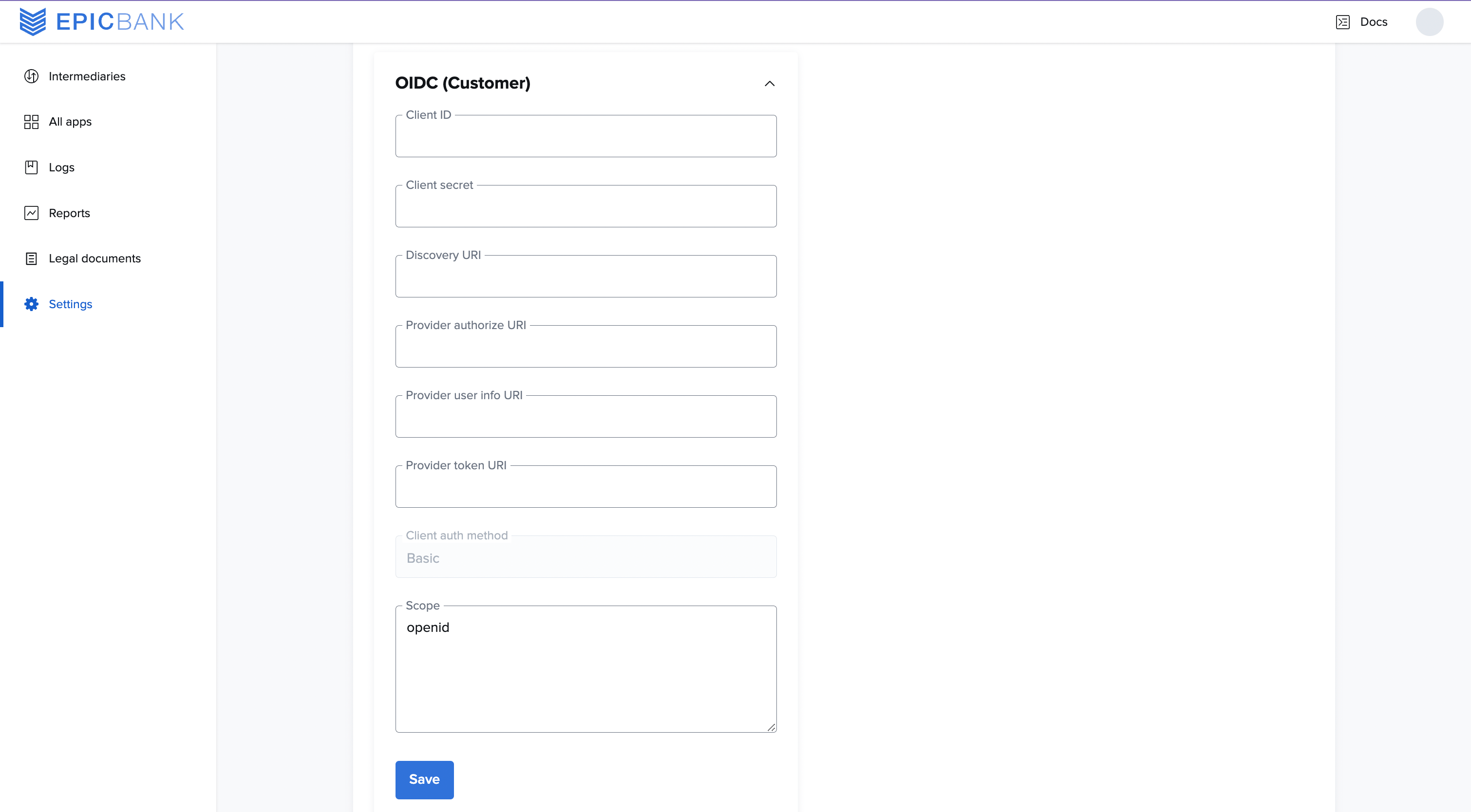
Use the Authentication section to define API Settings and Login settings. The options available depend on whether you are using OpenID Connect (OIDC) or Google Cloud Platform (GCP).
On the Authentication page, we provide options to view or copy your metrics API key, set the URL of your intermediary, and edit or view Login Settings.
In the Metrics API Key section, select the eye icon to view the API Key. You can use this API Key to pull metrics for each institution.
You can also see your Public URL. This enables you to set the redirect URL where end users are authenticated.
In the Login settings section: