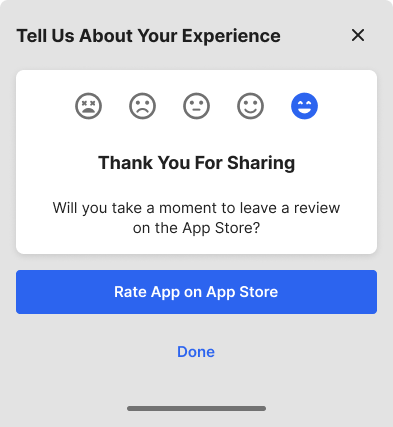
Users can share their experience in two ways: by submitting the Send Feedback form or by rating the app from the Dashboard.

Send Feedback

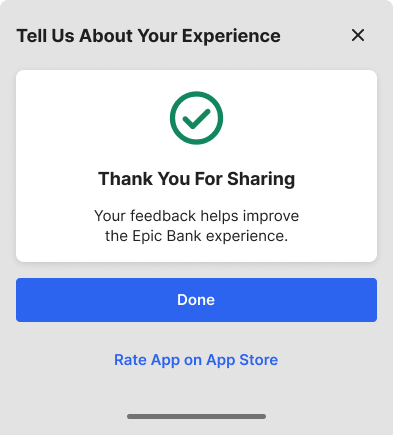
The Send Feedback option appears in the More menu and in the three-dot menu on the Dashboard page. In the form, users enter their email address and comments. After submitting, a confirmation window lets them either exit the experience or continue to the App Store. Send Feedback confirmation screen
App Rating

The Dashboard includes an App Rating card where users rate their experience on a scale from negative to positive. App Rating card on the Dashboard Selecting any of the first three icons (negative to neutral) opens the Send Feedback form. Selecting either of the last two icons (positive) opens an optional redirect to the App Store. App Rating card with a selected rating